Game Clock
Quarters stop at zero so you can start each new period manually after breaks.
 LaxTimer
Lacrosse game timer for iPhone
LaxTimer helps coaches, table crews, and parents manage quarter timing, active penalties, releases, and team colors from a simple game-day screen.
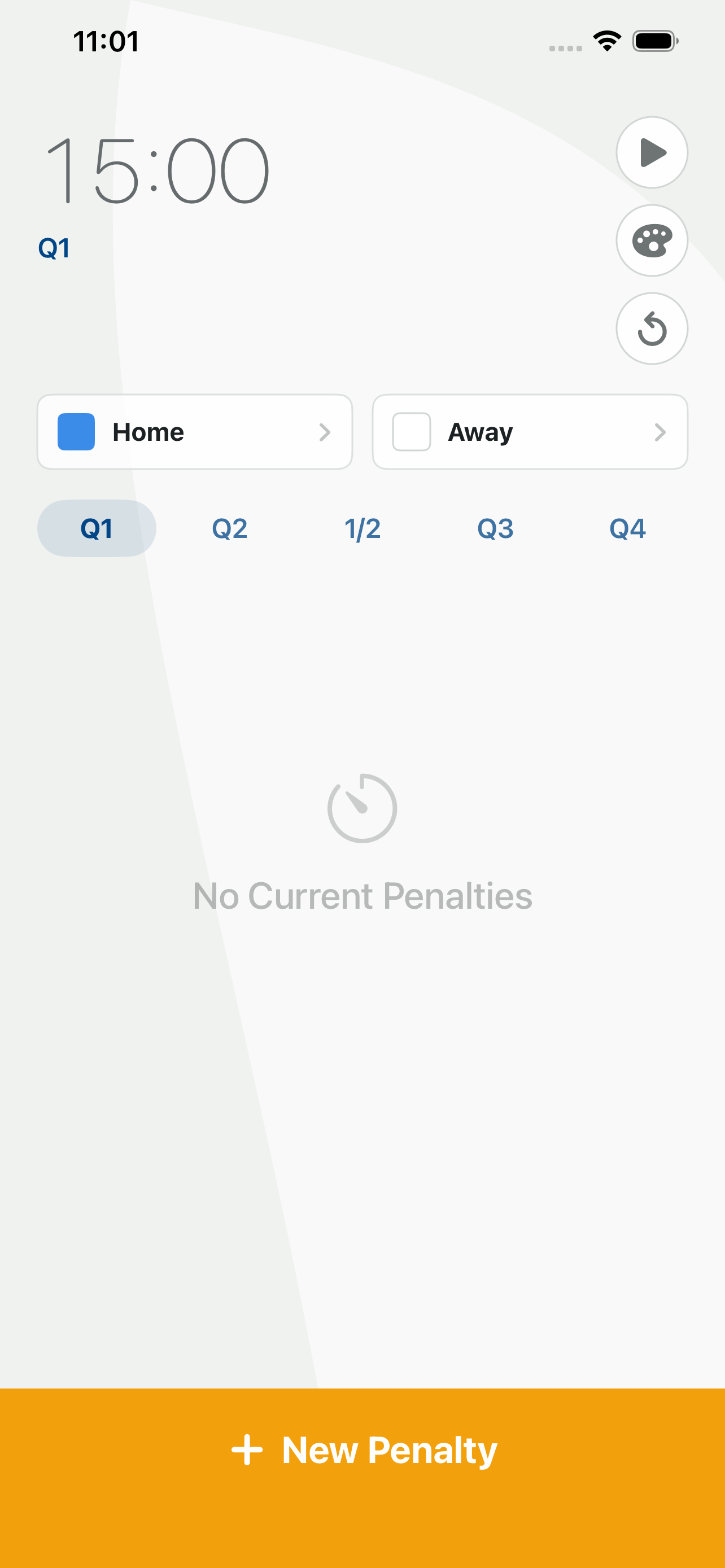
Quarters stop at zero so you can start each new period manually after breaks.
Penalty time carries into the next quarter and released penalties remain visible until cleared.
Home and away colors can be adjusted from the palette button or team chips on the main screen.
Support
No. LaxTimer stops at the end of each quarter because lacrosse games have breaks between periods and a longer halftime. Start the next period when play resumes.
Active penalties pause with the game clock and keep their remaining time. When the next quarter starts, the penalty continues from where it left off.
Released penalties stay on screen so they are not missed if you look away. Tap the released penalty row to remove it.
Tap the palette button or either team color card on the main timer screen, then select the home and away colors.
Need help?
For the fastest support, include your app version, iOS version, and the steps that led to the issue.